How can I contact Total Battle Support?
There are different ways to contact our Support Team:
Via the Support option in the game
Desktop client
The Support button can be found in the top right corner of the screen.

When you press it, you will have the option to send your request directly to the Support team.
Browser Version
The Support button can be found in the upper right-hand part of the screen on our website.

When you press it, the Total Battle Help Center opens automatically. You can browse the FAQ articles and find the information you need. If you can't find a reply to your question, you can submit a request to the Support Team.
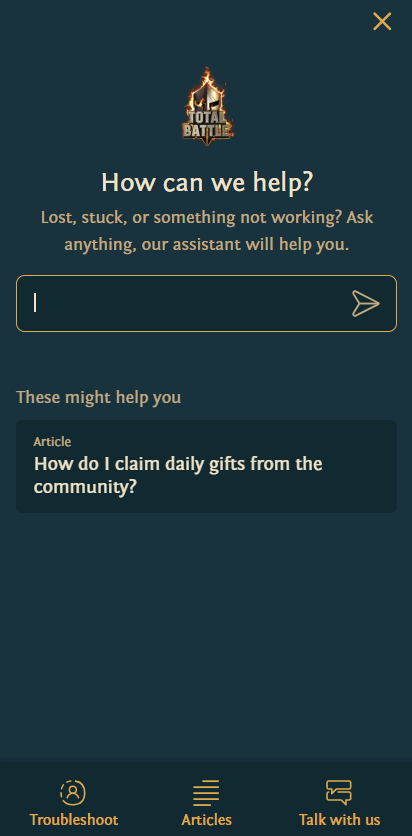
Mobile
The Support button can be found in the game's Main menu.
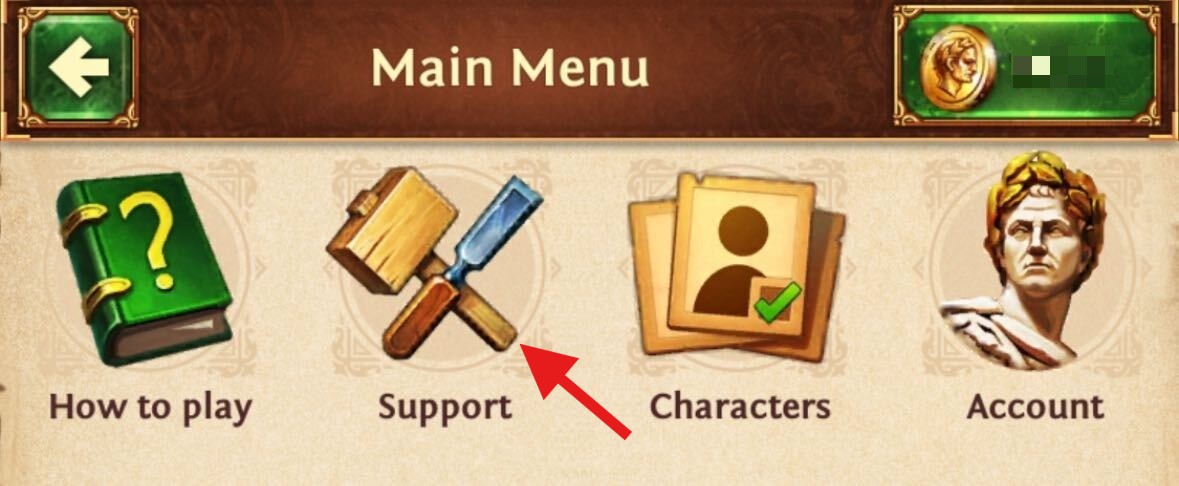
When you press it, the Total Battle Help Center opens automatically. You can browse the FAQ articles and find the information you need.
If you can't find a reply to your question, you can submit a request to the Support Team.
What information should I include when contacting Total Battle Support?
Please take a moment to read what information should be included in your message to the Support Team here.