How to enable web notifications?
Web notifications help you stay up to date in-game, even when you are not actively playing. They can alert you about time-sensitive events, so you do not miss rewards, let you know when your Shield of Peace is about to expire, or warn you about incoming attacks so you can react quickly.
In order to enable web notifications, follow these steps:
Open and load the game.
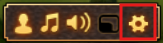
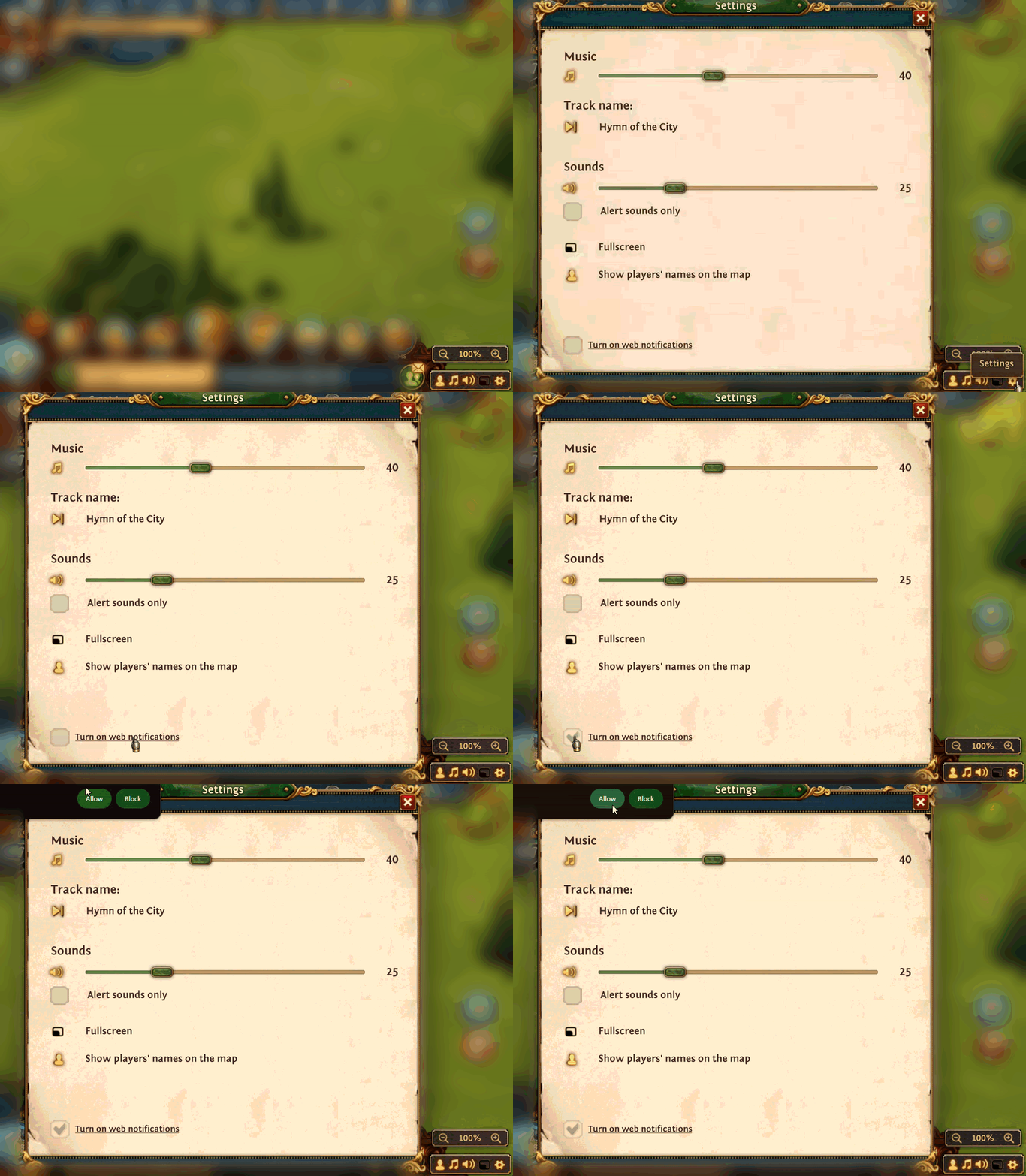
In the bottom-right corner, click the gear icon.

In Settings, check the box “Turn on web notifications” to receive them.
Allow Total Battle to send you notifications inside the browser you’re using.
You can disable web notifications in the same menu at any time.
Was this helpful?