How do I teleport my City to another Kingdom?
Follow the steps below to teleport your City to another Kingdom.
Leave the Clan you're in, if you're in one.
Head to the Global Map and find the Kingdom you want to move to (cannot be a closed Kingdom, or a Kingdom in a Battle Group).
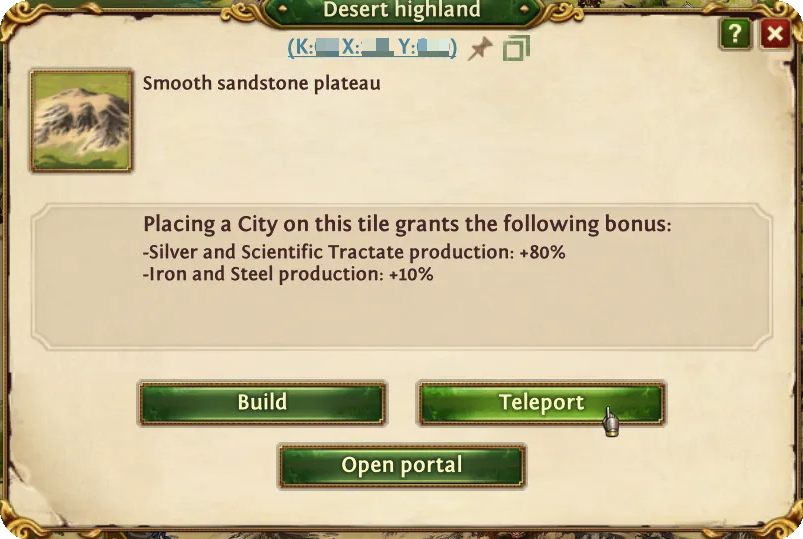
Select the tile you want to move to on the map of the Kingdom and select the Teleport option.
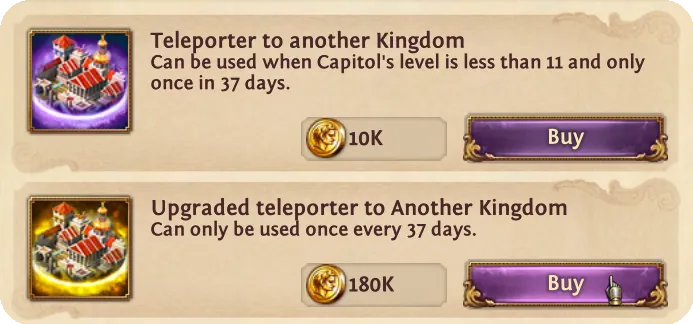
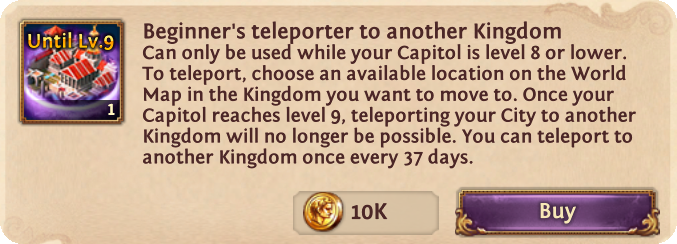
Choose the Beginner’s Teleporter to another kingdom to use or purchase a new one. Note that it is only available until your Capitol is level 8 or lower.
Confirm the teleportation process. Please note that if you're holding Palace titles, they will all be removed from your account when you teleport.

The game will restart, and the process will be completed.
You can teleport your City to another Kingdom once every 37 days. The countdown will start immediately once your City has been teleported.
Keep in mind that some restrictions apply to teleporting a City:
If you are in Kingdom 343 or below, this mechanic works differently. You can teleport your City to another Kingdom at any time, as long as you don’t have a current countdown. If your City's Capitol has already reached level 11, you'll need to use an upgraded teleporter to another Kingdom.