How do I switch between my game progress instances (Cities)?
If you have multiple game progress instances (multiple Cities), you can switch between them in your game account.
- Head to the Account menu in the upper right corner of the screen.

-
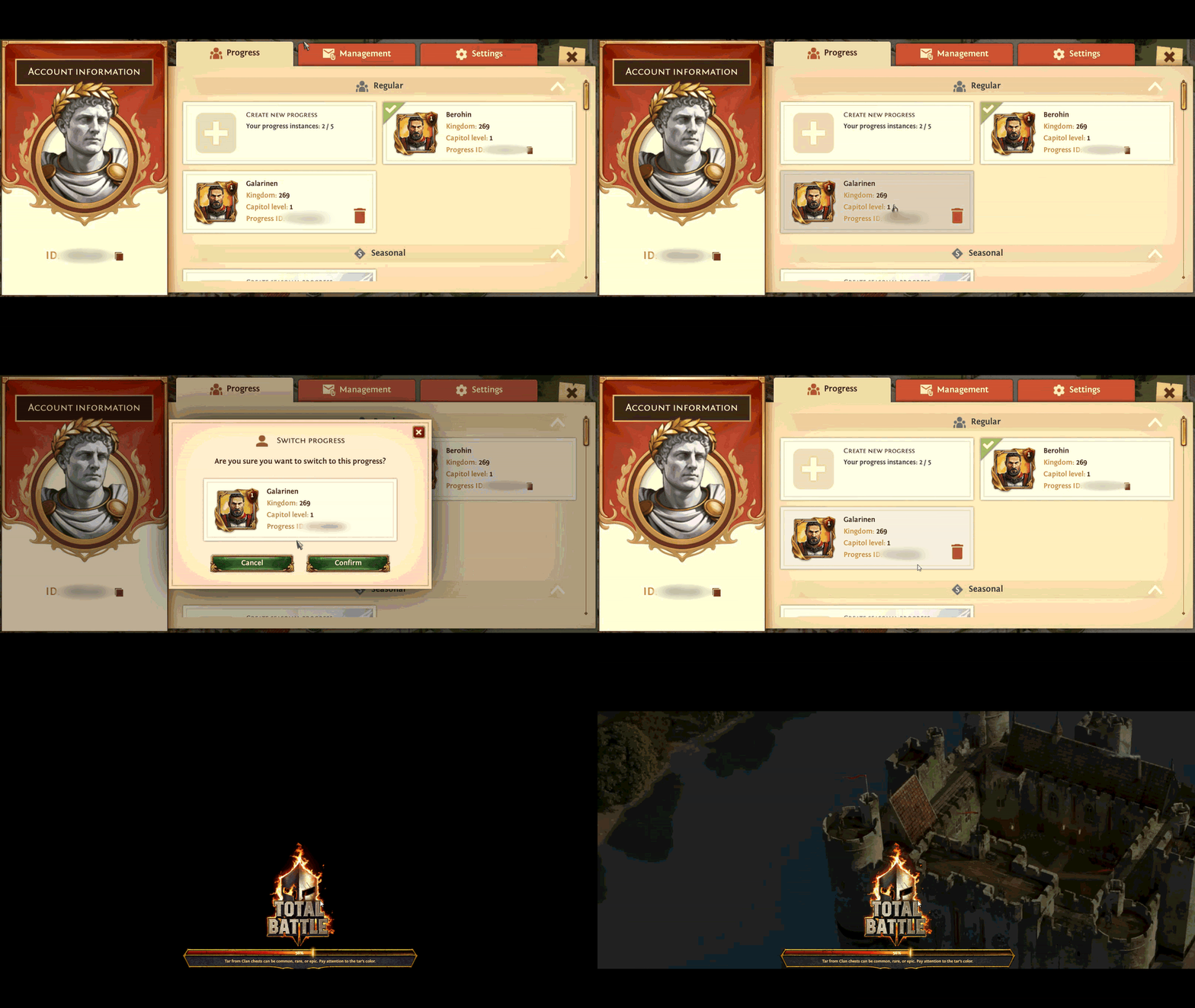
In the Progress tab, you'll see a list of your game progress instances, with your current progress indicated by a green checkmark.
-
To switch to a different progress instance, simply click it and confirm your choice.
The game will reload automatically and open the City you selected.
Was this helpful?